Listen, read, and explore documents more naturally
A new Speak experience, faster narration, clearer uploads, improved mobile reading tools, and a guided introduction to The Work Docs.
This update brings together the improvements released after our September roundup, through October 3, 2026. The focus is simple: make it easier to begin, stay oriented, and choose whether to read or listen.
A complete Speak experience
- Read or listen without leaving the document. Switch between Read and Speak while keeping the same document and place in view.
- Choose how much to hear. Listen to the original text, a quick overview, or a more detailed overview with evidence and limitations when available.
- Make narration your own. Preview narration voices, adjust speed and volume, or set a sleep timer.
- Follow along as words are spoken. A synchronized transcript keeps the current sentence and word visible while narration continues.
- Hear useful visual context. Speak can include brief explanations of detected images, tables, and formulas, or skip citations and footnotes when you want the main text only.
- Continue later or listen offline. Listening progress is saved, and supported documents can be packaged with audio and a transcript player for offline use.
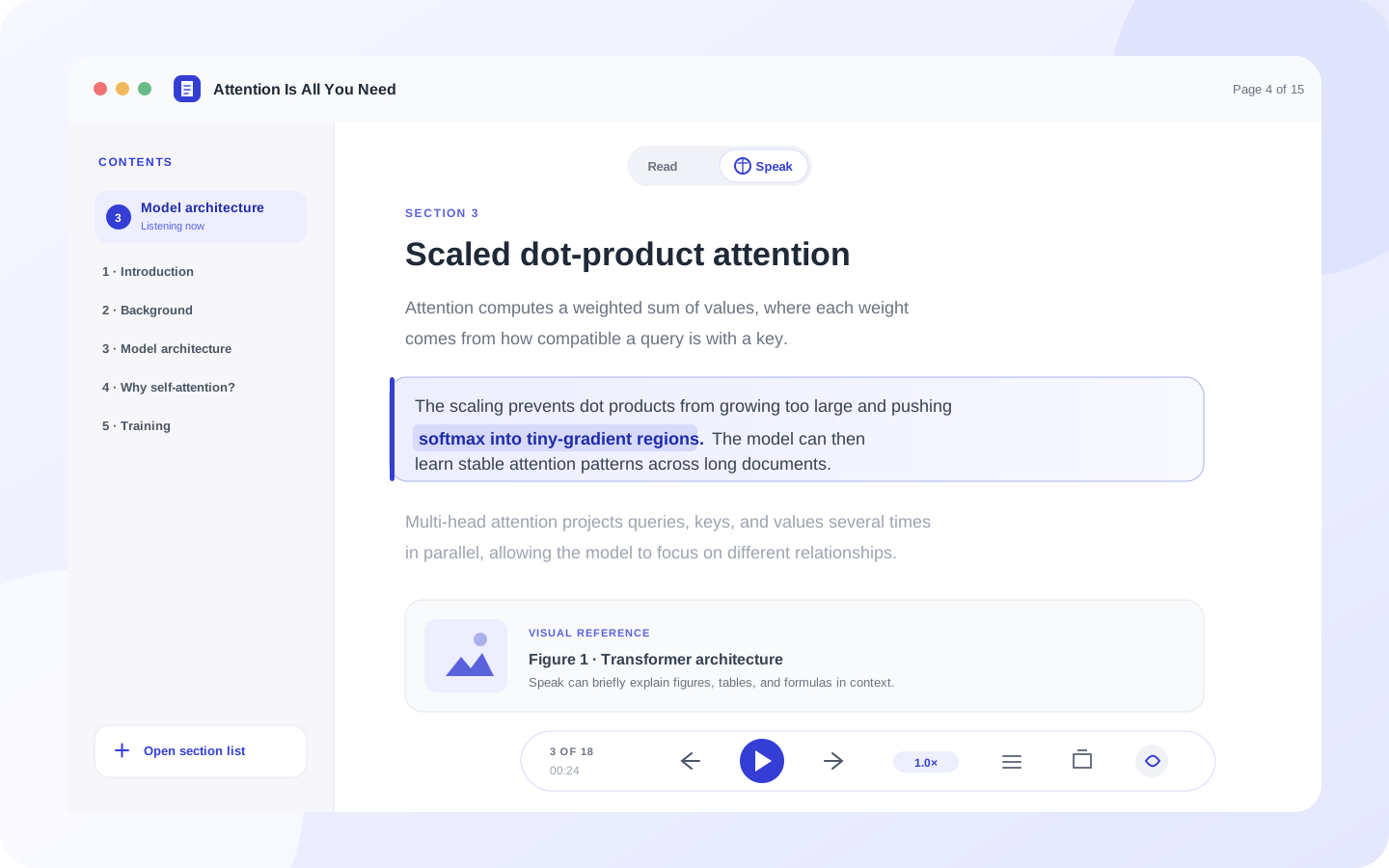
Speak brings the transcript, visual references, and playback controls into one focused reading surface.
Narration is now streamed so playback can begin before the complete audio file has downloaded. Finished clips are cached for faster replay, and upcoming sentences are prepared to reduce pauses between passages.
Better reading on smaller screens
- Reader controls within easy reach. Mobile tools now provide zoom, document search, fit-to-width, sharing, and highlighted-PDF export from a compact rail.
- A clearer mode switch. Read and Speak remain easy to reach without covering the document or audio controls.
- Mobile-friendly panels. The reader header, drawers, document search, and bottom navigation have been refined for smaller screens and safe-area spacing.
- The same listening preferences everywhere. Content mode, voice, visual explanations, citation skipping, and playback controls adapt to the mobile layout.
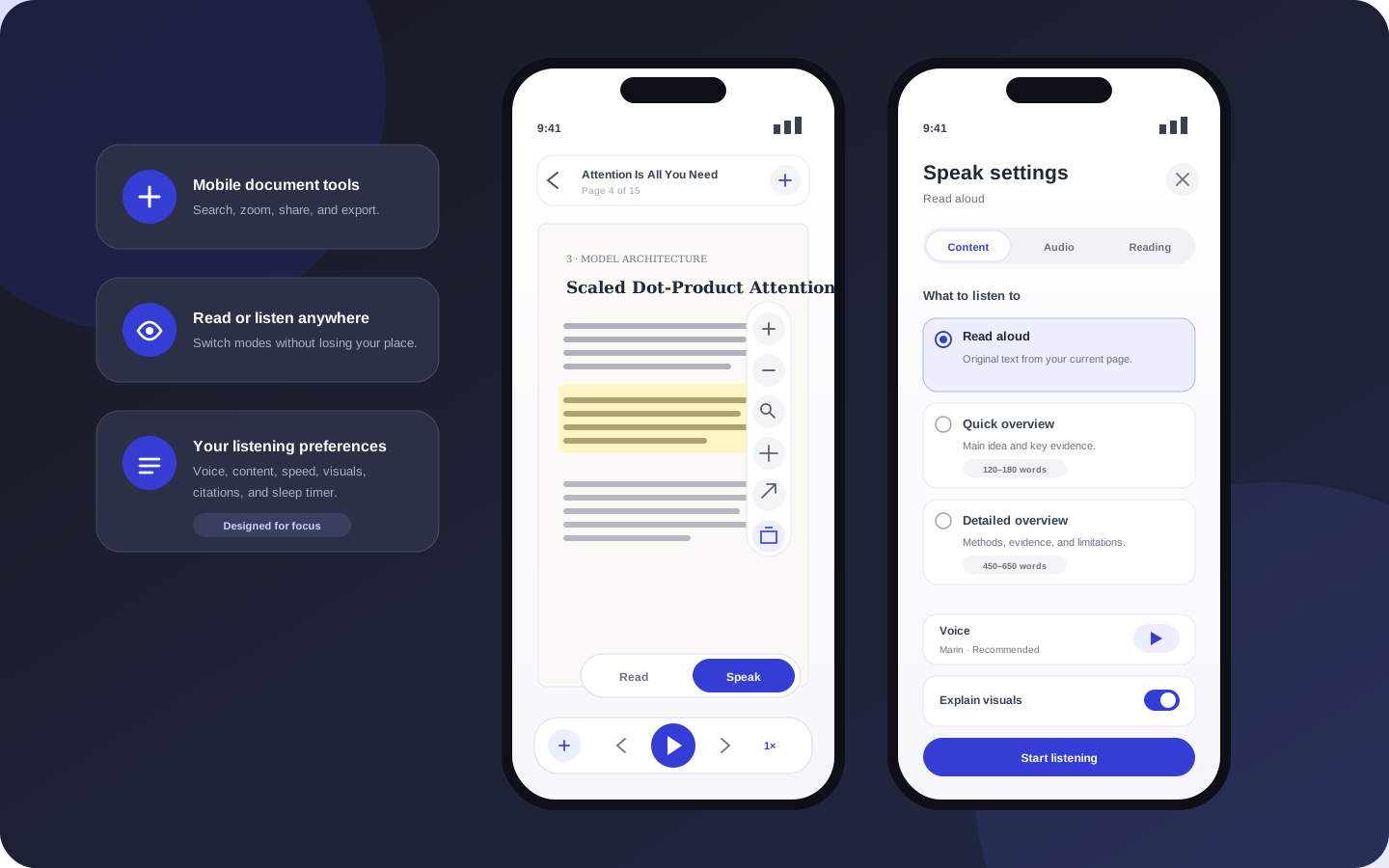
The mobile reader keeps document tools compact while giving Speak settings enough room to remain clear and usable.
Clearer uploads and page preparation
- A calmer starting point. The redesigned dropzone makes supported formats and the primary upload action easier to understand.
- Progress you can trust. Upload percentage reflects transferred bytes, followed by separate preparation and ready states instead of showing completion too early.
- More useful errors. Quota, network, conversion, and incomplete-upload failures keep their actionable reason rather than appearing successful.
- Visible page preparation. The reader shows when page layouts are still being detected, so tables and visual regions do not appear to be missing without explanation.
- Better table recognition. Page analysis now catches more tables with faint grid lines.
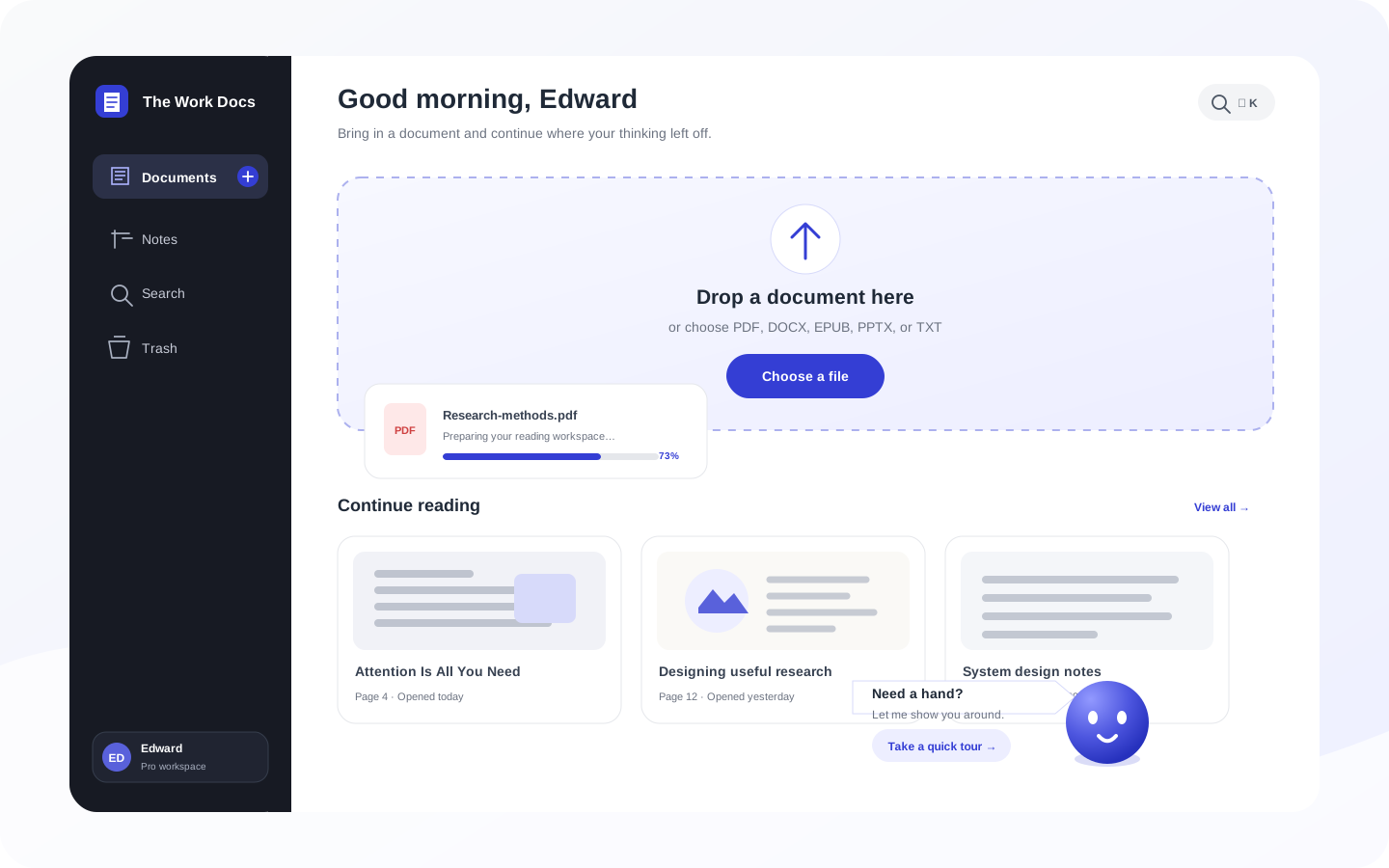
The refreshed home experience pairs clearer upload feedback with a guided tour of documents, search, notes, and reading.
A friendlier first session
A new Work Docs guide can walk people through uploading a file, returning to documents, finding search and notes, and opening the reading workspace. The tour adapts to desktop and mobile controls, supports keyboard navigation, and respects reduced-motion preferences.
Smaller improvements
- Subscription cards use the resolved renewal date so the billing cycle is represented more accurately.
- Audio downloads reserve capacity for the sentence you are currently listening to, even while later passages are being prepared.
- Cached audio is written only after a complete download, preventing a partial stream from being reused as a finished clip.
Speak availability and usage can depend on the current plan and service configuration. AI-generated overviews and visual explanations can omit or misinterpret details, so important passages should still be checked against the original document.